
First-Person Boxing PvP
First Person Boxing Wiki
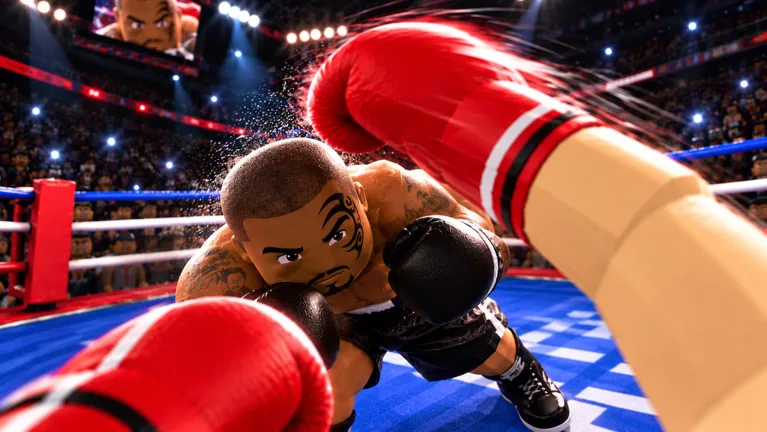
Step into the ring in First Person Boxing, a Roblox fighting game built around punches, slips, guards, and powerful counters. Manage your stamina, practice against AI, and face real opponents in first-person matches.
- Created Sep 28, 2026
- Updated Oct 17, 2026
- 1.4M+ Visits
- 11K+ Favorites
- 16-Player Servers
Popular Pages
Trending Now
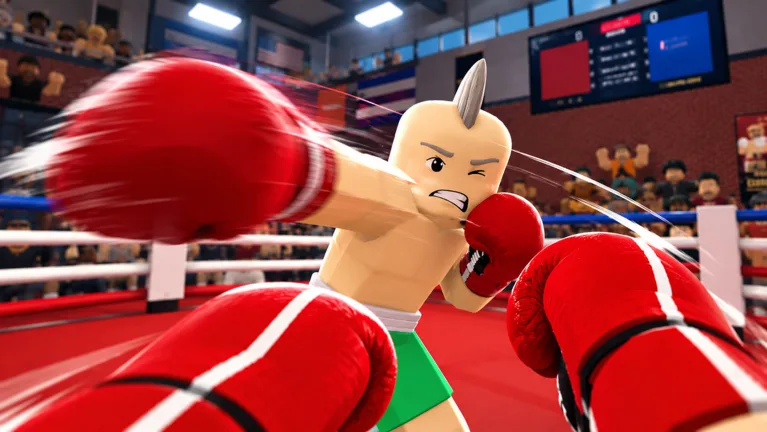
First Person Boxing Guide: Dominate the Ring on Roblox
Master First Person Boxing on Roblox with our comprehensive first person boxing guide. Discover top styles, effective combos, codes, and expert tips.
Read more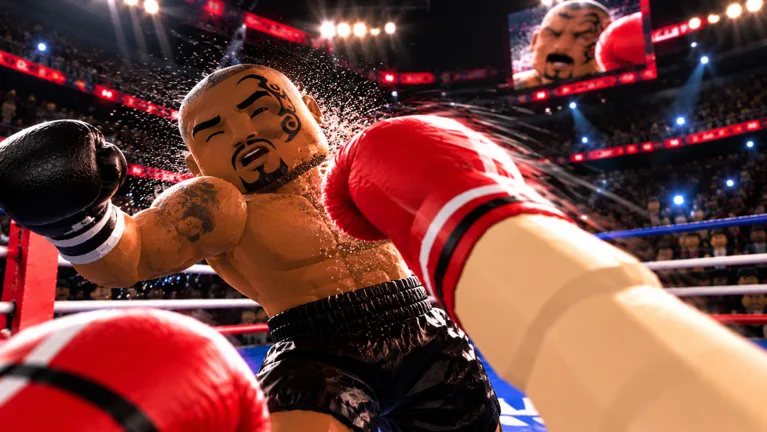
Master First Person Boxing Tips and Tricks for Roblox
Get the latest First Person Boxing tips and tricks to dominate Roblox matches. Discover settings, combat strategies, and styles today.
Read moreFirst Person Boxing Tier List: What Is Actually Confirmed
There is no verified first person boxing tier list ranking every style. Learn what is confirmed about fighting styles, rarities, and how to judge a style yourself.
Read moreFirst Person Boxing Best Style Guide: Find Your Winning Edge
Discover the best first person boxing best style in Roblox First Person Boxing. Learn proven combat tactics, stamina management, and fighting approaches.
Read moreFirst Person Boxing How to Unlock Fighting Styles Guide
Discover First Person Boxing how to unlock fighting styles in Roblox: roll Style Spins and Lucky Spins, earn coins from wins, and redeem reported codes.
Read more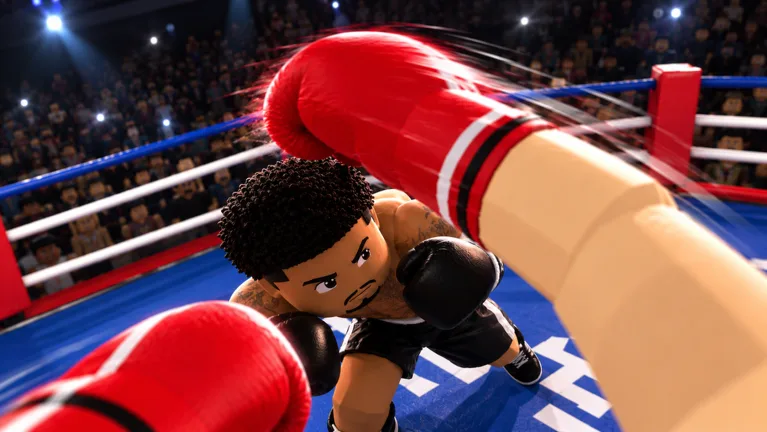
First Person Boxing: How to Get Style Spins for Free
Learn how to get style spins in First Person Boxing: buy them with coins from match wins, or redeem reported codes for free Style Spins and Lucky Spins.
Read moreWhat is First Person Boxing?
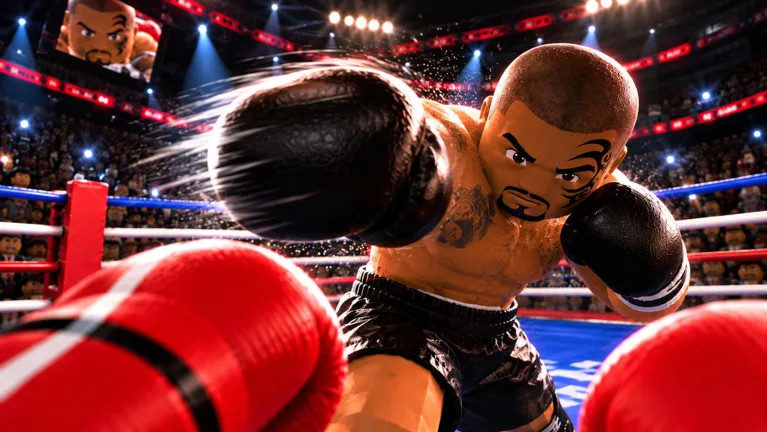
First Person Boxing is a first-person fighting experience on Roblox developed by Can You Box?. Players step into boxing matches where punches, defensive movement, timing, and reactions determine how they perform against their opponents.
The game features PvP combat and AI practice, allowing players to work on guarding, slipping, counterpunching, and stamina management. Whether you are learning your first punches or improving your defensive timing, First Person Boxing focuses on the fundamentals of close-range boxing combat.
Browse guides- Developer
- Can You Box?
- Platform
- Roblox
- Genre
- First-Person Boxing
- Visits
- 1.4M+ (Oct 17, 2026)
- Favorites
- 11K+ (Oct 17, 2026)
- Approval Rating
- 93%
- Players
- 16 per server
- Modes
- Multiplayer, Single player
- Release date
- 2026-09-28
Latest Updates
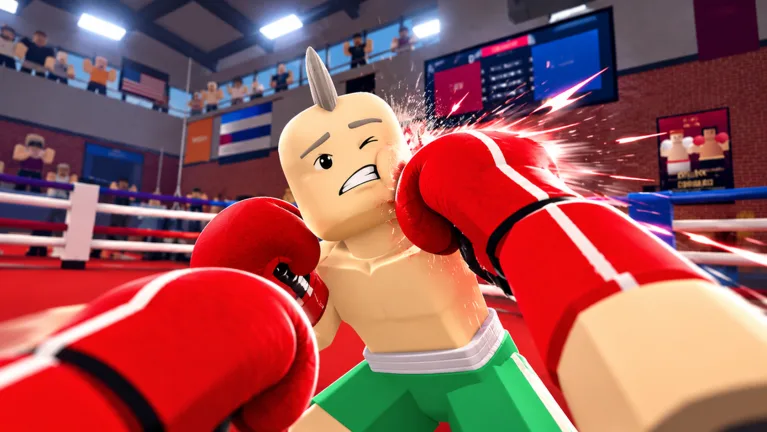 First Person Boxing Codes for Free Style Spins (October 2026)
- Mastering the First Person Boxing 3 Piece Combo Guide
- Mastering First Person Boxing Combos for Roblox Wins
- First Person Boxing Footwork and Distance Control Guide
- First Person Boxing Head Guard vs Body Guard Defense Guide
- First Person Boxing: How to Block Punches Like a Pro
- First Person Boxing How to Counter Punches Guide
- Master First Person Boxing: How to Knock Out Opponents
- First Person Boxing How to Slip Punches: Pro Guide
- First Person Boxing Knockdown Replays & Video Review
- First Person Boxing Mike Tyson Style Combat Guide
- Mastering First Person Boxing Stamina Management for Wins
Start Here
- 1
Beginner Guide
Get started with First Person Boxing by learning how matches work, understanding the first-person view, and practicing your first punches before taking on tougher opponents.
- 2
Controls and Punching
Learn how to use the game's boxing controls, understand basic punch timing, and find the current control inputs for your supported device.
- 3
Defense and Stamina
Understand how guarding, slipping, and stamina management affect your performance. Learn to defend against attacks without wasting your energy.
- 4
Fighting Styles and Counters
Explore fighting style mechanics, understand style-related rewards, and learn to recognize opportunities for well-timed counterpunches.
First Person Boxing Wiki Hub
Eight researched guides covering codes, controls, fighting styles, defence, stamina and updates.
Explore the wiki
Guides
Beginner walkthroughs, control layouts, settings and practical tips for your first First Person Boxing matches.
Fighting Styles
How fighting styles are rolled with Style Spins and Lucky Spins, what is confirmed about rarities, and how to choose one.
Combat
Punch combinations, blocking, slipping, counters, footwork, stamina and knockout setups in First Person Boxing.
Platforms
Playing First Person Boxing on PC, mobile and console through Roblox, plus how the inputs differ on each device.
Community
What is known about the First Person Boxing community channels, the creator group behind the experience, and where updates appear.
Equipment
How gloves work in First Person Boxing, how to switch between them, and what the game does not model.
Game Modes
How PvP matches, AI practice and competitive play differ in First Person Boxing, and when to use each one.
Codes
Reported First Person Boxing codes, the spins each one awards, and how to redeem them in the in-game Shop.
First Person Boxing Codes
Find the reported First Person Boxing codes for Style Spins and Lucky Spins. Check what each code awards and how redemption works before claiming it in the in-game Shop.
LUCK1
Reported5 Style Spins
UPPERCUT
Reported1 Lucky Spin
FPSBOXING2
Reported3 Style Spins + 1,000 Coins
First Person Boxing Beginner Guide
Learn how to play First Person Boxing with a practical introduction to movement, punching, guarding, stamina, and counterattacks. Follow these beginner steps to practice against AI opponents before challenging other players.
Open First Person Boxing on Roblox and enter the first-person boxing experience.
Open First Person Boxing on Roblox and enter the first-person boxing experience.
Practice against AI opponents to become familiar with movement, punching distance, and the first-person camera.
Practice against AI opponents to become familiar with movement, punching distance, and the first-person camera.
Learn the different guards used to protect your head and body from incoming punches.
Learn the different guards used to protect your head and body from incoming punches.
Practice slipping incoming punches and responding with a counterattack when your opponent leaves an opening.
Practice slipping incoming punches and responding with a counterattack when your opponent leaves an opening.
Monitor your stamina during exchanges because exhaustion slows your fighter down.
Monitor your stamina during exchanges because exhaustion slows your fighter down.
Challenge other players and combine movement, defensive timing, and counters to create knockout opportunities.
Challenge other players and combine movement, defensive timing, and counters to create knockout opportunities.
First Person Boxing Fighting Styles
Explore how fighting styles work in First Person Boxing and how Style Spins and Lucky Spins help you obtain different styles. Learn about the confirmed rarity system and legendary styles without relying on unverified style rankings or invented tier placements.
Style Spins
Style Spins allow players to roll for different fighting styles. The LUCK1 code provides 5 Style Spins.
Lucky Spins
Lucky Spins are another available spin type for obtaining fighting styles. The UPPERCUT code rewards 1 Lucky Spin.
Legendary Styles
Legendary fighting styles are confirmed as obtainable through the style-rolling system. Published gameplay coverage associates these rarer styles with critical-hit advantages.
Style Rarities
Fighting styles have different rarities. A complete named S/A/B/C ranking has not been independently verified, so no specific style placements are asserted.
First Person Boxing Controls
Learn the reported First Person Boxing inputs for movement, punching, blocking, slipping and the Shop. PC, mobile and console all play through the Roblox client, so check the in-game prompts for your device as well.
Movement
Move with WASD and use the mouse to look around; lock onto a target with Q.
Punching
Hold click to extend a straight punch and press X for an overhand.
Defense
Press F to block and use Space with WASD to bob and weave out of the way.
Gloves and customization
G opens the glove menu, mouse scroll swaps gloves, and K opens character customization.
Shop and matches
Press B (or the Shop button on the left) to redeem codes, and J to join a fight.
Console and mobile
Console and mobile are supported through Roblox; check the in-game prompts for their control layout.
First Person Boxing Slip and Counter Guide
Master the defensive mechanics that distinguish First Person Boxing from simple punch-spamming games. Learn how to recognize incoming attacks, slip punches, and convert defensive openings into effective counterattacks.
Watch your opponent's movements and recognize when an incoming punch creates a defensive decision.
Watch your opponent's movements and recognize when an incoming punch creates a defensive decision.
Use the game's slipping mechanic to avoid the incoming punch rather than remaining directly in its path.
Use the game's slipping mechanic to avoid the incoming punch rather than remaining directly in its path.
Maintain awareness of your opponent's position after slipping so you can identify a possible counterattack opening.
Maintain awareness of your opponent's position after slipping so you can identify a possible counterattack opening.
Throw a controlled counterpunch when your opponent becomes vulnerable following an attack.
Throw a controlled counterpunch when your opponent becomes vulnerable following an attack.
Return to a defensive position and manage your stamina before committing to another exchange.
Return to a defensive position and manage your stamina before committing to another exchange.
First Person Boxing Stamina and Guard Guide
Understand how First Person Boxing combines stamina management with defensive guards to shape every fight. The official description states that getting tired slows you down and that different guards protect your head and body.
Stamina
The official game description states that managing stamina matters because getting tired slows you down.
Head guard
The official description lists different guards for protecting your head against incoming punches.
Body guard
The same guard system covers the body, so choosing what to protect is part of each exchange.
Slipping
Slipping avoids a punch instead of absorbing it, which keeps your hands free to answer back.
Stamina recovery
Avoid constant pressure when exhausted. Reset with controlled exchanges so slower movement does not cost you the round.
First Person Boxing Knockout Guide
Learn how to create knockout opportunities in First Person Boxing through accurate punches, defensive timing and effective counters. The official description highlights devastating counters, huge knockouts and cinematic knockdowns with replays.
Practice your punching distance against AI opponents before attempting more demanding fights against other players.
Practice your punching distance against AI opponents before attempting more demanding fights against other players.
Observe your opponent's attacks and use the available head and body guards to stay protected.
Observe your opponent's attacks and use the available head and body guards to stay protected.
Use slipping to avoid a punch and create an opportunity to deliver a counterattack.
Use slipping to avoid a punch and create an opportunity to deliver a counterattack.
Look for moments when your opponent is exposed and land accurate counterpunches rather than attacking continuously.
Look for moments when your opponent is exposed and land accurate counterpunches rather than attacking continuously.
Manage stamina carefully while attempting to finish the fight because exhaustion slows your actions.
Manage stamina carefully while attempting to finish the fight because exhaustion slows your actions.
Review the cinematic knockdown and replay to see which opening decided the fight.
Review the cinematic knockdown and replay to see which opening decided the fight.
First Person Boxing News and Updates
Follow First Person Boxing updates, newly released codes, and official developer announcements. Track verified changes through the Roblox experience page and the game's community channels without treating undocumented features or rumored patch notes as confirmed.
October 17, 2026
NewLUCK1 was listed as a new code rewarding 5 Style Spins.
October 15, 2026
The official Roblox experience listing recorded an update on this date. Confirm specific changes through developer announcements before relying on them.
Community channels
Media coverage reports a First Person Boxing Discord, but no public invite link could be verified. Check the official Roblox experience page for current community links.
Developer group
Can You Box? is the creator group linked from the official Roblox experience page.
First Person Boxing FAQ
Common questions about First Person Boxing, answered for Roblox beginners, first-person fighting fans, and competitive boxing players.
What is First Person Boxing on Roblox?
First Person Boxing is a Roblox first-person boxing game developed by Can You Box?. It focuses on boxing matches using punches, guarding, slipping, counters, and stamina management.
How do you defend and counter in First Person Boxing?
First Person Boxing includes guarding, slipping, and counterpunching as important combat mechanics. Players can use defensive timing to avoid or block incoming punches and look for opportunities to counter while managing their stamina.
Can you practice against AI in First Person Boxing?
Yes. First Person Boxing includes AI practice alongside player-versus-player combat. AI practice gives players a way to work on boxing fundamentals before challenging human opponents.
Which devices can play First Person Boxing?
First Person Boxing is available through Roblox on supported PC, mobile, and console devices. No separately released Steam or standalone console edition of this same game was confirmed in the October 17, 2026 research.
How many players can join a First Person Boxing server?
The recorded maximum server capacity for First Person Boxing is 16 players. This is the server limit shown in the game data checked on October 17, 2026, not a guarantee that every server will have 16 active players.
Ready to Master First Person Boxing?
From your first punch to smarter guards, slips, and counters, explore First Person Boxing guides, fighting styles, controls, and the latest reported codes to improve your game.